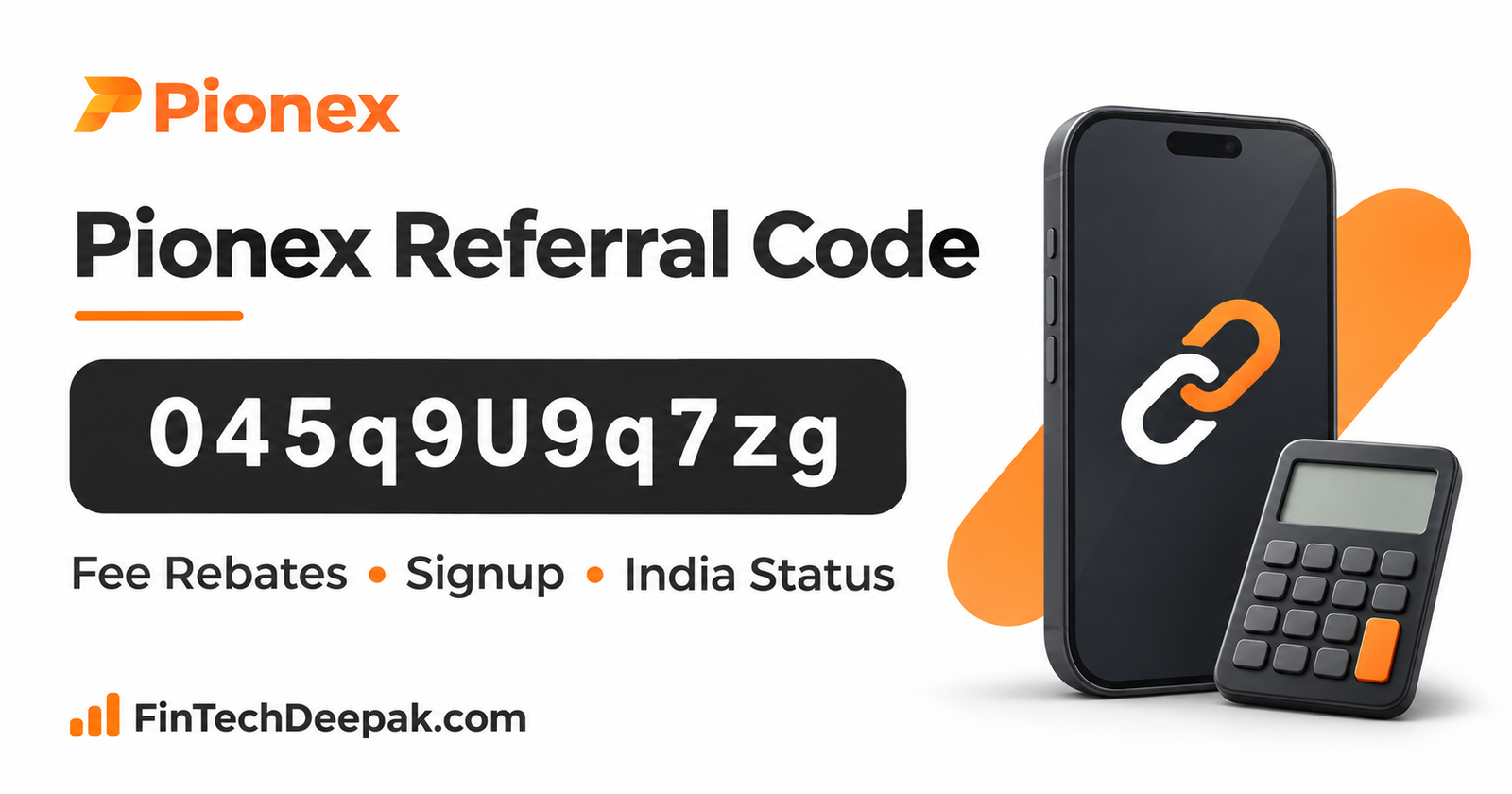
Pionex referral code 045q9U9q7zg is my invitation code. If Pionex serves your region and you decide to open an account, you can use the code during registration.
To see the trading-fee rebate assigned to you, open your profile in the Pionex app and select Referrer Invitation Code. The percentage shown there is the one to use when calculating your costs.
For readers in India: On 9 September 2026, India’s Ministry of Finance named Pionex, under the entity Marketa Trading Inc., in an FIU-IND non-compliance action. The announcement included notices to take down the listed providers’ apps and URLs from public access.
As of 12 November 2026, I could not verify a subsequent official resolution. If you live in India, my recommendation is to hold off on registering or depositing until that status is clarified.
Pionex Referral Code and Invitation Link
| Detail | What to check |
|---|---|
| Referral code | 045q9U9q7zg |
| First character | The digit 0 |
| Registration link for eligible regions | View my Pionex invitation |
| Where to check your rate | App profile → Referrer Invitation Code |
| Where to check a payment | Wallet history → invitee cashback records |
| Fixed signup bonus | I could not verify a fixed cash or USDT bonus for this code |
If you type the code manually, preserve the uppercase U in the middle. Copying the full code avoids the two easiest mistakes: dropping the leading zero or changing the letter case.
How to Check Your Pionex Referral Code Rebate
There are two figures worth checking: the rate assigned to your account and the amount actually credited. You can check the first before deciding whether a trade makes financial sense. The second becomes relevant only after eligible activity settles.
In the Pionex app
- Open Home and tap your profile picture in the upper-left corner.
- Select Referrer Invitation Code.
- Check the displayed code and cashback percentage. If separate rates appear for different products, use the rate for the product you intend to trade.
On the Pionex website
- Open your profile menu and select Account Overview.
- Locate the invitation code and select the information icon beside it.
- Read the rate associated with your account. To review previously credited rebates, open More → Rebate.
My practical rule is to leave cashback out of any cost comparison until I can see the percentage. For example, if one exchange quotes a lower trading fee and another advertises “up to” a rebate, the first figure can go into the calculation immediately. The second needs an account-specific rate.
How Much Is a Pionex Referral Code Rebate Worth?
A Pionex referral code can connect an eligible account to a rebate on trading fees. The calculation starts with the eligible fee you paid. This distinction matters when a promotion displays a percentage beside a much larger trade amount.
| Illustrative calculation | Amount |
|---|---|
| Value of a hypothetical trade | 1,000 USDT |
| Assume the eligible trading fee was | 1 USDT |
| Assume the account displayed a rebate of | 10% |
| Rebate on the eligible fee | 0.10 USDT |
| Trading fee after that rebate | 0.90 USDT |
The 10% rate is an arithmetic example. I have not verified that rate for 045q9U9q7zg. The example also excludes the spread, any withdrawal charge and gains or losses on the asset.
This matters particularly if you are considering a trading bot. A bot that executes multiple orders can generate multiple fees. When reviewing its costs, add up the fees on completed orders and compare that total with the rebates actually credited. A larger cashback total can simply mean you paid more fees.
Who Earns Commission When You Use a Pionex Referral Code?
Pionex’s referral programme allows an inviter to share part of an eligible commission with the person using the invitation. The inviter’s commission and the invitee’s cashback are therefore different figures.
If a guide quotes an affiliate commission, check the rate displayed for your own account before assuming you receive the same percentage.
The programme rules also distinguish between trading products. They describe eligible spot and futures activity and exclude certain categories, including spot trading in tokenized US stocks and MEME products. A percentage displayed for one product is a poor basis for estimating the cost of another.
For an occasional user, the most useful comparison is the fee on the trade you already intend to make. Increasing trade size or frequency just to collect a fraction of the fee adds cost and market exposure.
Can You Add a Pionex Referral Code After Signup?
Pionex directs people who registered without an invitation to its Refill Referral Code support guide. If this applies to you, check the option in your existing account promptly.
I could not verify the exact deadline directly from the current official refill instructions. Whether you have already placed an order is worth mentioning when you contact support.
If a code is already visible, first check which code and rate are attached. Adding a missing referral and replacing an existing referral are different requests.
Why Is My Pionex Referral Code Visible Before Cashback Appears?
Pionex credits eligible cashback after settlement, so the order screen can show the original trading fee. In the app, open your wallet history and look for the invitee cashback tab. Pionex says these records update hourly.
If the expected credit is still missing after an update, compare the linked invitation code, product traded, eligible fee and settlement time. These details give support something specific to investigate. Use support inside the app or website. If someone contacts you privately offering to release a rebate, see my guide on what to do after contacting a fake customer-care number.
What Should Indian Readers Check Before Using Pionex?
For Indian residents, the FIU-IND action is more consequential than the referral rate. The Ministry of Finance identified both the trading name Pionex and the entity Marketa Trading Inc. Those are the names to look for in any later official update.
A working invitation page can tell you that a page loads. It cannot establish that the September action has been resolved. If you are evaluating platforms for an INR purchase, compare current registration status, bank withdrawals and external-wallet access before considering an offer.
My crypto apps guide for Indian beginners walks through those decisions. For an explanation of what FIU registration covers, see Is CoinDCX Safe and Legal in India?.
Conclusion
My Pionex referral code is 045q9U9q7zg. For eligible readers, the most useful check is the percentage beside Referrer Invitation Code in your own account. Apply that percentage to eligible trading fees when estimating what you might receive. For Indian residents, I would wait for an official update on the September 2026 FIU-IND action before considering a deposit.
Frequently Asked Questions
What is the Pionex referral code?
My invitation code is 045q9U9q7zg. It starts with zero and contains an uppercase U. Eligible readers can use the Pionex invitation link.
Does this Pionex referral code give a guaranteed signup bonus?
I could not verify a fixed signup bonus for this invitation. Pionex documents a trading-fee cashback programme. Check the specific benefit displayed for your account before relying on it.
Where can I see my Pionex cashback percentage?
In the app, go to Home → profile picture → Referrer Invitation Code. On the website, open Account Overview and select the information icon beside the invitation code.
Why does my order show the full trading fee?
Pionex records eligible rebates separately after settlement. Check the cashback entry in your wallet history for the amount paid.
Is Pionex currently FIU-registered in India?
I could not verify current registration or a resolution of the 9 September 2026 non-compliance action as of 12 November 2026. The government announcement names Pionex under Marketa Trading Inc.